
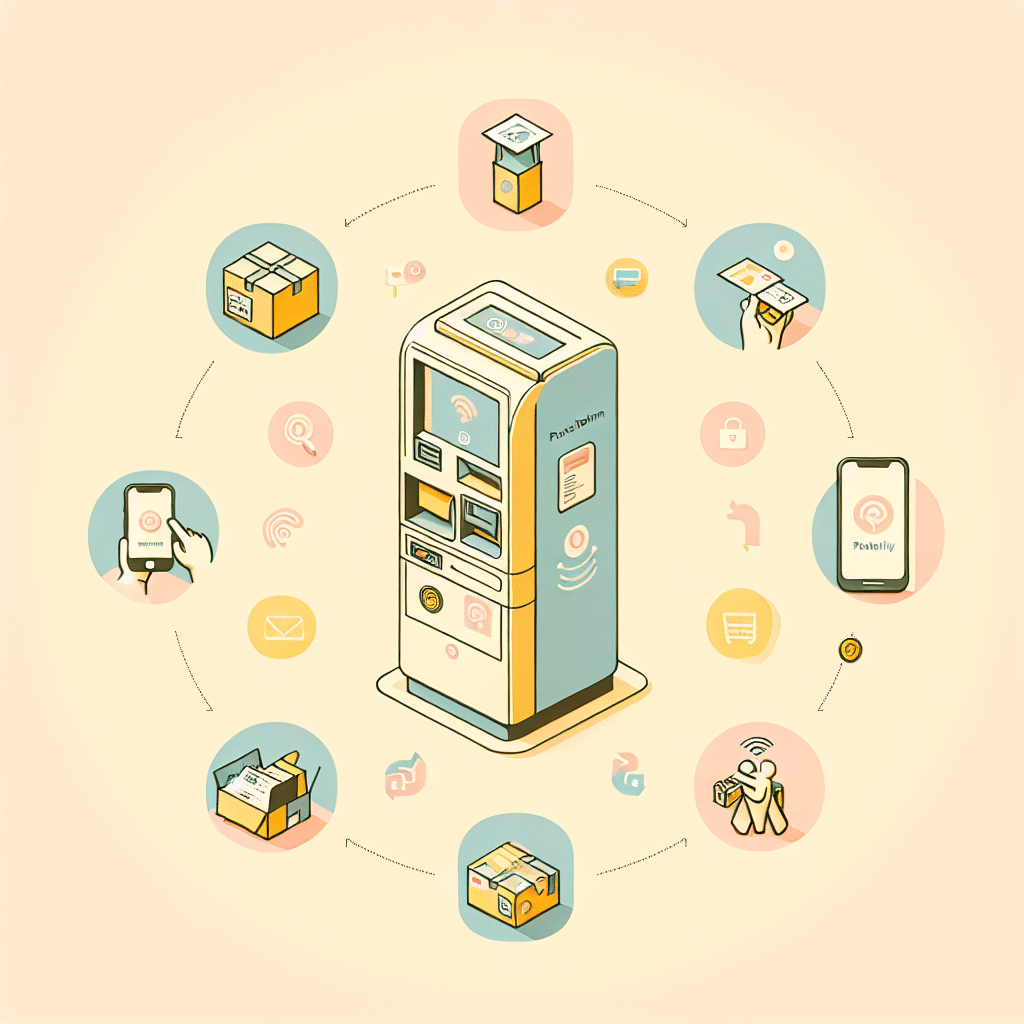
This Korean parcel return machine guide is for anyone who has tried to return a package in Korea and frozen in front of a screen full of Korean text. Most parcel return machines in Korea do not offer English options, which makes the process stressful for foreigners. In this guide, you’ll learn exactly which buttons to press, what key Korean words like 반품 mean, and how to return your package step by step without guessing or panicking.
This step-by-step guide is part of our essential living resources for foreigners adjusting to life in Korea.
→ Living in a Korean Home: Essential Guides for Foreigners
The Problem Foreigners Face
Picture yourself in a busy subway station with a package you need to return. You approach a parcel return machine, expecting to find an English option. Instead, the entire screen is in Korean. The timer keeps counting down, people are waiting behind you, and every button looks the same. You’re not sure where “return” is, what information is required, or how to enter your pickup code.
Eventually, you step aside—frustrated—still holding the package you meant to drop off.
This moment is surprisingly common. The machines look simple, but without English support, they feel stressful and rushed.
Why This Happens in Korea
Most parcel return machines in subway stations are designed for speed and for local users. Delivery companies build them with the assumption that nearly everyone using them speaks Korean, so multilingual interfaces haven’t been a priority.
To make things more confusing, different brands use different layouts. CU Post, GS Postbox, SmileBOX, and others all have unique screens and icons. Even if you’ve mastered one machine, another might look completely unfamiliar.
How to Use the Machine (Step-by-Step)
1. Find the button labeled 반품 (return).
This is usually on the main screen. Variations include:
- 반품
- 택배 반품
- 쇼핑몰 반품
Avoid 접수, which means “send,” not “return.”
2. Enter your return code.
Most online stores provide a 반품예약번호 (return reservation number). Copy it to your clipboard before you arrive.
When you see a blank number box on the screen, paste or type the code. If there’s a button labeled 조회, tap it to confirm.
3. Choose the correct courier (if prompted).
Some machines show multiple courier logos:
- CJ대한통운
- 로젠택배
- 한진택배
Select the one listed in your order’s return instructions. Check your app beforehand if you’re unsure.
4. Place the item inside the locker.
After the machine accepts your code, a locker door will open automatically. Put the item inside as it is—no extra tape or paperwork needed. Close the door firmly until it clicks.
5. Take a photo of the confirmation screen.
The machine usually shows a final message in Korean. Take a quick photo for your records. You don’t need a printed receipt.
What NOT to Do
- Don’t press 접수 unless you want to send a package, not return it.
- Don’t add extra tape or repackage the item; the original packaging is preferred.
- Don’t expect all machines to function the same—each brand has a slightly different flow.
Quick Survival Tip
Before you leave home, screenshot the word 반품. Recognizing it instantly makes the whole process easier, especially when the kiosk timer is counting down.
This polished guide should help you navigate Korean parcel return machines with confidence—even when English isn’t available.

Ask Seoul Unnie
Still confused by Korean-only menus or everyday situations like this?
Ask Seoul Unnie — real, practical answers from someone living in Korea.
📘 Living in a Korean Home
This article is part of our Living in a Korean Home guide series for foreigners.
### Related Guides
Recommended for you
- Korean phrasebook – helps with common machine terms
- Portable translator device – useful for unclear Korean screens
- Korea travel guidebook – good for navigating practical tasks
- Beginner Korean workbook – helpful for learning key words
As an Amazon Associate, I earn from qualifying purchases.