
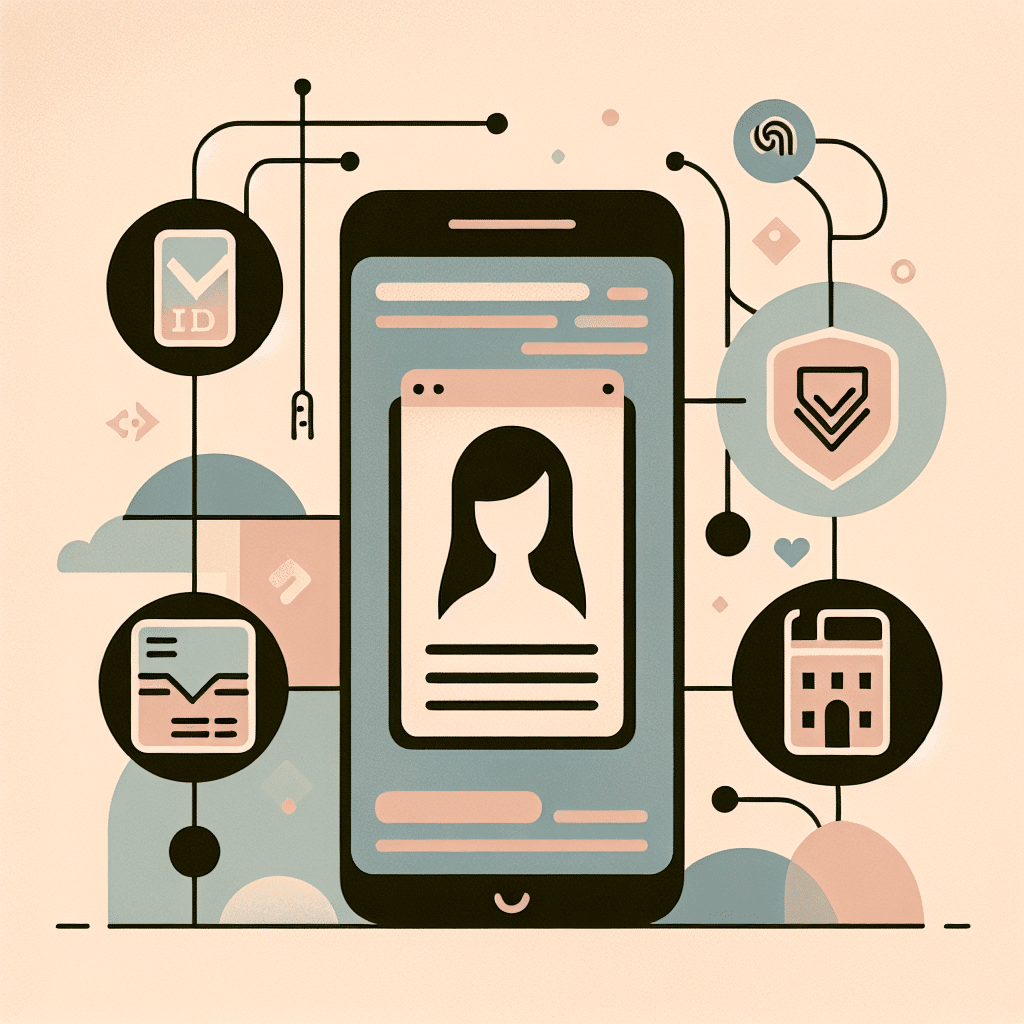
A Friendly Guide to Korea’s Mobile Residence Card
A new digital chapter has opened for foreigners in Korea: the mobile residence card and expanded e‑immigration services. These tools make daily tasks—banking, phone contracts, government services, and online verification—simpler and faster. Here’s a clear, easy‑to‑follow guide to help you navigate Korean life with your digital ID.
What This Tip Helps You With
Think of moments like visiting a telecom shop and realizing you forgot your physical residence card. With the mobile version, your phone becomes your ID. Banks, telecom stores, government offices, and many online platforms now accept it for identity verification.
For newcomers and long‑term residents alike, using the mobile card saves time, cuts confusion, and removes the stress of carrying the physical card everywhere.
Why It Matters in Korea
Korea is shifting quickly to digital‑first public services. Many institutions now expect digital ID verification, and the mobile residence card brings foreigners into the same streamlined system Korean citizens use.
Identity checks come first in most Korean processes—opening a bank account, confirming a phone number, or accessing online services. Understanding how to verify digitally helps you fit smoothly into these systems and prevents delays at service counters.
How to Use It
1. Install the Official App
Search your app store for the Korean government’s authorized identity app. Confirm the icon and publisher before downloading.
2. Verify with Your Physical Card Once
You’ll scan your residence card and confirm your identity using your passport details, phone number, or quick facial recognition.
3. Set Up PIN or Biometric Login
Make sure unlocking the app is fast and reliable. Staff will often ask you to open the digital card on the spot.
4. Show Your Digital Card
Open the app, tap the residence card, and present the screen. Staff at banks, telecom stores, and government offices are trained to accept it.
5. Use It for Online Services
Some websites connect directly to e‑immigration. You’ll authenticate through the app using your PIN or fingerprint.
6. Keep the Physical Card at Home (Mostly)
The digital version works almost everywhere, but immigration visits, airport procedures, or certain older offices may still prefer the physical card.
Real Situations You’ll Encounter
1. Opening a Bank Account
Banks now accept the mobile residence card during ID checks.
Staff: “모바일 외국인등록증 보여주세요.” (Please show your mobile residence card.)
2. Upgrading or Changing Your Phone Plan
Telecom shops start with ID verification.
Staff: “본인 확인 먼저 할게요.” (We’ll verify your ID first.)
3. Signing Up for Online Banking
Your digital card replaces lengthy in‑person verification steps.
4. Updating Your Address via E‑Immigration
Submit address changes online with your digital ID and skip long immigration office lines.
5. Using Parcel Lockers or Community Centers
Some services ask for quick verification through the app instead of scanning the physical card.
Staff: “앱으로 인증해 주세요.” (Please verify through the app.)
Tips, Variations, and Things to Watch Out For
• Make sure your name matches your passport spelling; banks check this carefully.
• Some staff may be new to digital IDs—show the card screen clearly to guide them.
• A dead phone battery means no digital ID. Carry the physical card on long trips.
• For online services, choose the mobile ID option to speed things up.
• Keep the app updated to avoid login issues.
• Telecom shops may ask you to tap an extra consent button inside the digital card—this is normal.
• After immigration updates, the app may need a day to refresh your data.
• For high‑value bank transfers, you may need to re‑authenticate with PIN or biometrics.
Why Travelers and Residents Love It
Mastering Korea’s digital ID tools helps you blend seamlessly into daily life. It reduces paperwork, cuts repetitive explanations, and provides confidence in unfamiliar systems. Whether you’re settling in, exploring Korean culture, or learning basic etiquette, understanding the mobile residence card is now as essential as navigating the subway.
It also gives peace of mind: no more worrying about misplacing your physical residence card. Your phone becomes your secure, instant way to confirm who you are—perfect for Korea’s fast, efficient lifestyle.
Closing
The mobile residence card and e‑immigration services are powerful helpers for anyone living in Korea. Once you get comfortable with them, tasks like banking, phone plans, and address updates become much easier. Try using your digital ID the next time you need verification—you may be surprised at how smoothly everything goes.
Need useful tips for life in Korea?
These guides make daily life much easier:
- How to Navigate Busy Korean Subway Stations Without Blocking Foot Traffic
- Essential Etiquette and Time-Saving Tips for Crowded Korean Subways
Recommended for you
- Portable phone charger – helpful when your digital ID relies on battery
- Passport and ID holder – keeps your physical card safe at home or during travel
- International travel adapter – useful if you move between Korea and other countries
- Korean language phrasebook – handy for ID checks and basic service phrases
As an Amazon Associate, I earn from qualifying purchases.