
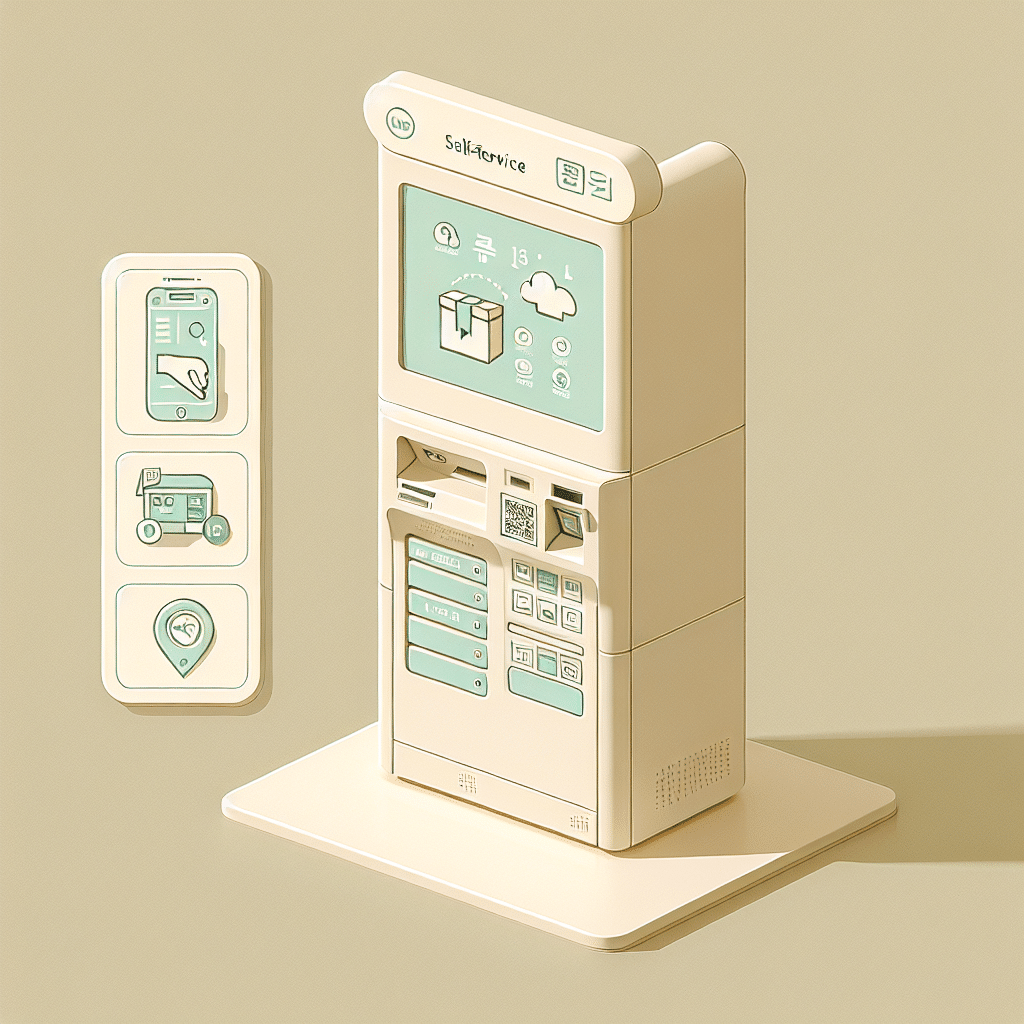
How to Use Convenience Store Kiosks in Korea
A Friendly Guide for Easy Parcel Pickups & Returns
If you’re living in Korea—or staying for a short visit—convenience store kiosks can quickly become one of your favorite local secrets. They let you pick up online orders or return items without waiting in long lines, and they’re available almost everywhere, 24/7. This guide walks you through the process so you can use CU, GS25, and 7‑Eleven kiosks with confidence.
Why These Kiosks Matter
Korean convenience stores function as mini service hubs. Because many apartments require security codes, couriers can’t always reach your door. Store pickup solves this by giving you a safe, accessible spot to receive or return parcels at any time of the day.
The kiosks are fast and simple, but most menus are in Korean. Knowing a few key buttons and steps makes the whole experience smooth—even if your Korean skills are limited.
When This Tip Helps
For example: You ordered a jacket online and want to pick it up from your nearest GS25 on your way home. Instead of waiting for redelivery, you simply use the kiosk, show a slip to the staff, and walk out with your package in minutes.
Q: Can foreigners use convenience store kiosks in Korea?
A: Yes, foreigners can use CU, GS25, and 7-Eleven kiosks in Korea, but some services may require a Korean phone number or ID verification.
How to Pick Up a Parcel
- Bring your phone with the pickup barcode or 13‑digit tracking number.
- Visit any CU, GS25, or 7‑Eleven that offers parcel services (most do).
- Look for the kiosk near the entrance or counter.
- Tap the parcel menu (택배).
- Select Pickup (수령).
- Scan your barcode or enter the number manually.
- The kiosk prints a slip or shows a pickup code.
- Hand the slip/code to the staff.
- Staff scans it and gives you your parcel.
How to Return a Parcel
- Pack your item securely (original packaging is best).
- Bring the return barcode or code from the online store.
- On the kiosk, choose Return (반품) or 택배 보내기.
- Scan or type your code.
- The kiosk prints a label.
- Attach the label to your parcel (tape is usually available).
- Give the parcel to the staff for confirmation.
Useful Etiquette & Body Language
• Place your parcel gently on the counter. • After handing the slip to staff, wait briefly while they scan it. • A simple “감사합니다” (thank you) is always appreciated.
Real Situations You May Experience
1. Picking Up Late at Night
Even at 11 p.m., stores are open. Clerk: “수령하실게요?” (Are you picking up?) You: “네, 여기 있어요.” (Yes, here it is.)
2. Returning Online Fashion Items
You scan the return code, attach the printed label, and staff completes the return. Staff: “여기 붙이시면 돼요.” (Please attach it here.)
3. Parcels Requiring ID Check
Some high‑value items need name confirmation. You: “여기 이름 확인해주세요.” (Please check my name.)
4. Busy Store, Small Line
If people are waiting, just follow the flow. Clerk: “다음 분이요.” (Next person.)
5. Parcel Not Yet Arrived
If the kiosk shows 조회 불가 (cannot find information): You: “아직 안 왔나요?” (Has it not arrived yet?) Staff will quickly confirm.
Q: Why do convenience store kiosks sometimes reject foreign users?
A: Kiosks may reject foreign users because some services are linked to Korean phone numbers or resident registration systems.
Extra Tips & Things to Know
• Some kiosks offer limited English menus. • If your barcode doesn’t scan, brighten your phone or tilt it slightly. • Make sure the name on your order matches your real name—not a nickname. • CU and GS25 layouts vary, but 택배 is the key word to look for. • Even if the slip doesn’t print, showing the barcode is usually enough. • Stores provide tape but not boxes for returns. • Avoid opening parcels inside the store; space is tight. • Weekends can be busier than weekdays. • Most parcels must be picked up within 3–7 days before being returned. • Helpful phrases:
- “수령이요.” (Pickup.)
- “반품이요.” (Return.)
- “스캔이 안 돼요.” (The scan isn’t working.)
Why Travelers Love This Tip
Using these kiosks is an easy way to experience everyday Korean life. Whether you’re staying long‑term or just visiting, mastering this quick process adds convenience and confidence to your daily routine in Korea.
Final Thoughts
Next time you order something online or need to make a return, try using a convenience store kiosk. With these simple steps, you’ll understand why locals rely on this fast, friendly system—and soon, you’ll be using it like a local too.
📘 Living in a Korean Home
This article is part of our Living in a Korean Home guide series for foreigners.
Need useful tips for life in Korea?
These guides make daily life much easier:
- How to Use 택배 보관함 in Korea (Never Miss a Delivery)
- How to Use Kakao T Smart Call to Avoid Taxi Refusals
Recommended for you
- Korea travel SIM card – helpful for receiving delivery texts
- Universal travel adapter – useful when charging devices for kiosk use
- Passport and card holder – keeps ID and cards ready for parcel pickup
- Korea travel guidebook – helpful while navigating stores and services
As an Amazon Associate, I earn from qualifying purchases.