
The Problem Foreigners Face
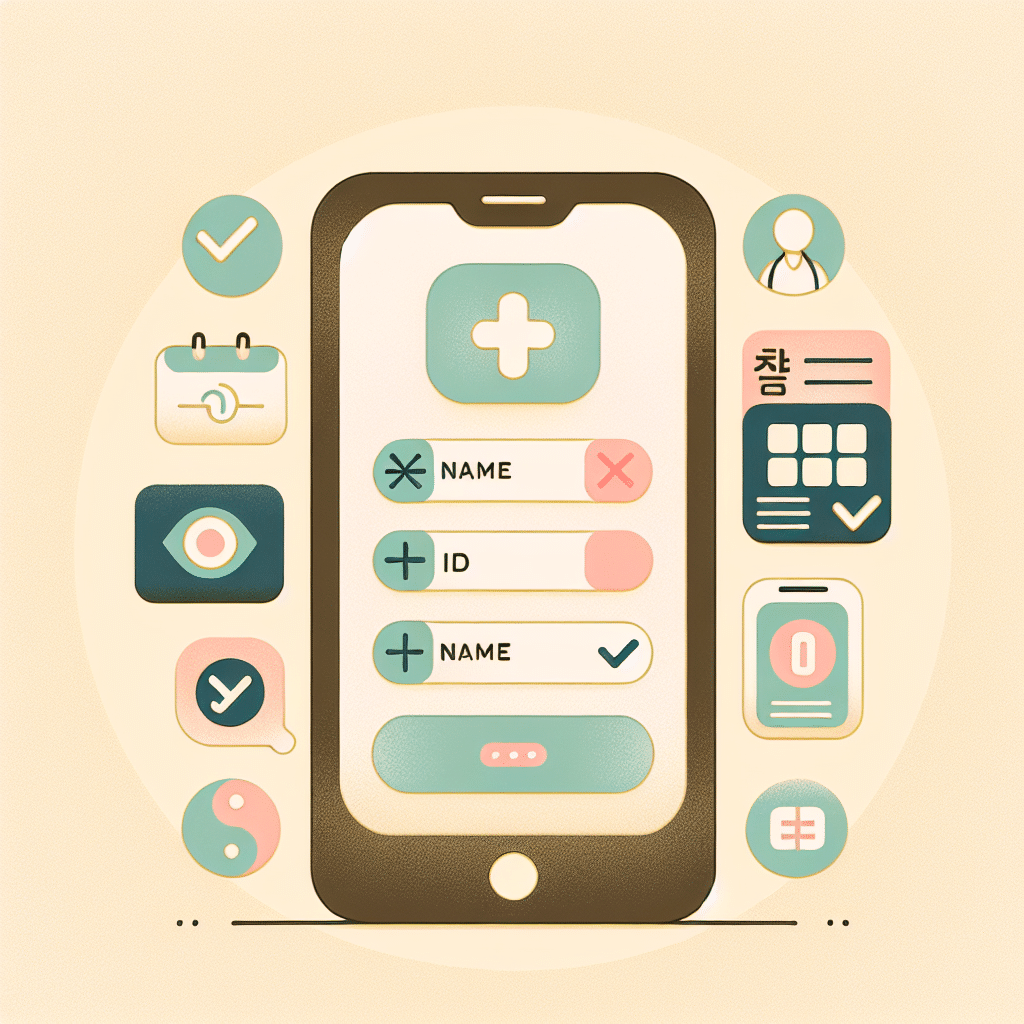
Booking a medical appointment in Korea can feel overwhelming when the entire app is in Korean. Many people end up tapping buttons blindly, unsure whether they just booked, canceled, or registered something entirely different.
It’s also easy to worry about showing up at the wrong location, the wrong time, or without the right documents. Calling the clinic rarely helps, as most receptionists speak quickly in Korean.
The result is confusion, wasted time, and sometimes delays in getting the care you need.
Why This Happens in Korea
Most Korean hospitals and clinics rely on local apps or reservation systems designed for Korean speakers.
They assume users already understand the process.
Foreign‑language support varies widely, and smaller clinics often don’t offer English at all.
Since many departments require appointments, non‑Korean speakers can easily feel stuck.
What You Should Do (Step-by-Step)
1. Check if the hospital uses a major app
Search for apps like Dr. Now, Goodoc, or Naver Booking in your app store.
These platforms often offer partial English and clearer layouts.
2. Use your phone’s translation features
If the app is Korean-only, try:
- Android: tap the three‑dot menu to activate screen translation
- iPhone: use text-capture translation
This helps you identify key buttons such as:
- 예약하기 (Make a reservation)
- 진료과 선택 (Choose department)
3. Choose the department and select 초진 or 재진
- 초진 = first-time patient
- 재진 = returning patient
If you’re unsure, choose 초진. It won’t cause problems even if you visited before.
4. Confirm all reservation details
Double-check:
- 날짜 (date)
- 시간 (time)
- 지점 (branch/location)
Screens can look similar, so make sure the final summary page shows everything clearly.
Take a screenshot to show reception later.
5. At the clinic, go straight to the reception desk
Show your screenshot and say:
“예약했어요” (I have a reservation)
Staff can guide you from there, even if something in the reservation wasn’t perfect.
What Not to Do
- Don’t assume a flashy animation means the booking is complete. Many apps show a loading screen before the actual confirmation page.
- Don’t call the clinic if you don’t speak Korean—you may misunderstand important information.
- Don’t forget your ARC and insurance details. The app won’t remind you, but the clinic will need them.
Quick Survival Tip
If you get stuck at any point, take screenshots and bring them to the clinic.
As long as staff can see what you tried to do, they can resolve most issues easily.
📘 Living in a Korean Home
This article is part of our Living in a Korean Home guide series for foreigners.
### Related Guides
Recommended for you
- Portable phone translator – helpful when clinic apps have no English
- Korean phrasebook for travelers – useful for basic clinic phrases
- Travel document organizer – keeps ARC and insurance info ready
- Screen‑capture stylus – makes screenshot labeling easier
As an Amazon Associate, I earn from qualifying purchases.